
Best OBD2 Scanner Under $50 for Home Mechanics: Buying Guide
Find the best OBD2 scanner for home mechanics with our practical guide to affordable, easy-to-use diagnostic tools. Compare key features, performance, and value to choose the right scanner for DIY car diagnostics.
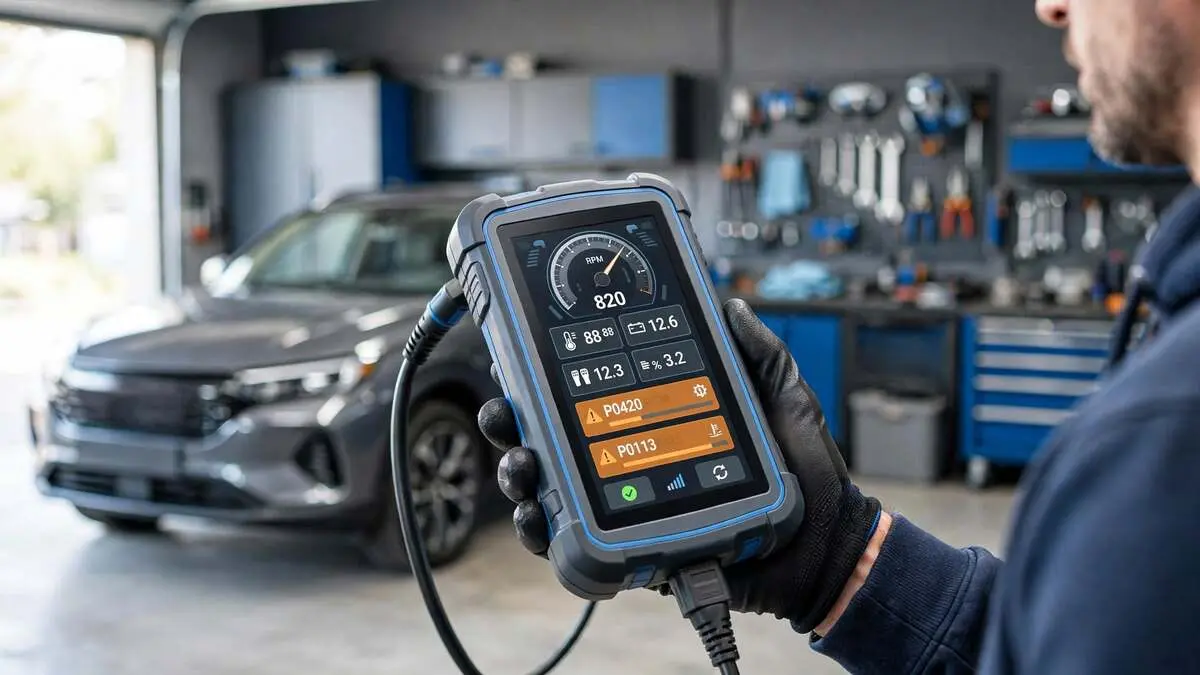
Quick Summary: The best OBD2 scanners under $50 read and clear check engine codes without a monthly subscription, saving home mechanics a $100-$233 shop diagnostic fee. Setup takes under 10 minutes and costs $20-$50 depending on features like Bluetooth connectivity, live data streaming, and a standalone display versus a basic wired code reader.
Top Picks at a Glance
| Scanner Pick | Type & Approx. Price* | Best For |
|---|---|---|
| Basic code-only reader (e.g., MOTOPOWER-style) | Wired, no-frills display — $16-$25 | Absolute minimum spend to just read and clear a check-engine code |
| Launch CR529 / CR259 | Wired handheld, color screen, live data, I/M readiness — $35-$45 | Best all-around pick that reliably stays under $50 |
| Ancel BD310 | Hybrid wired + Bluetooth, battery tester, dash-mount mode — $45-$70 | DIYers who want live data on their phone (often runs a bit over $50) |
| Foxwell NT301 | Wired handheld, instant boot, I/M readiness hotkey — $50-$60 | Drivers in states with annual emissions/smog testing |
| FIXD Bluetooth Sensor | Bluetooth + app — $50-$60 for the hardware | Casual users who want plain-English code explanations (skip the Premium upsell — more below) |
*OBD2 scanner prices swing constantly with sales and retailer, so always check the current listing before you buy. Treat these as ballpark ranges, not guarantees.
What to Look for in a Budget OBD2 Scanner
- Universal OBD2 (16-Pin) Compatibility: Every gasoline vehicle sold in the US since 1996 uses the same 16-pin OBD2 connector, so nearly any scanner in this price range will physically plug into your car.
- Wired vs. Bluetooth Connectivity: Wired handhelds show codes on their own screen with no phone required, while Bluetooth dongles pair with a free app for a bigger display and extras like live data graphs, but they depend on your phone’s battery and Bluetooth stability.
- Engine-Only vs. Multi-System Code Coverage: Almost every scanner under $50 reads only the engine (powertrain) module. If you want ABS, airbag/SRS, or transmission codes too, expect to spend closer to $100 or more.
- Live Data Streaming: Beyond just a code number, live data shows real-time sensor readings (RPM, coolant temp, oxygen sensor voltage), which helps you tell whether a part is actually failing or just triggering a false alarm.
- Subscription-Free Operation: Most budget scanners are a one-time purchase, but a few brands push a paid annual “premium” tier for features that competitors bundle for free; read the fine print before checkout.
- CAN FD Support for Newer Vehicles: Some 2020-and-newer vehicles, particularly from GM, BMW, and Stellantis, have shifted to a faster CAN FD communication protocol. If you drive a newer vehicle, confirm the scanner’s listed compatibility for your exact make and model before buying.
- Warranty and Firmware Updates: Look for at least a 1-year warranty and free lifetime or long-term software updates, since vehicle protocols and code databases do change over time.
How to Choose, Connect, and Use Your Scanner
Step 1: Prioritize Safety and Realistic Expectations. Only connect or disconnect the scanner with the engine off and the vehicle safely parked, and understand upfront that a budget scanner tells you what failed a test, not necessarily why; that second part still takes some investigation.
Step 2: Confirm Your Vehicle Has an OBD2 Port. Nearly every gasoline car, truck, or SUV sold in the US since 1996 qualifies; if you drive a pre-1996 vehicle or a diesel, double-check compatibility before buying.
Step 3: Decide Between Wired and Bluetooth. Choose a wired handheld if you want a simple, dedicated tool that works with no phone or app involved, or choose Bluetooth if you want live data graphs and don’t mind relying on your phone.
Step 4: Match Code Coverage to Your Needs If you only care about the check engine light, an engine-only reader is fine; if your ABS or airbag light is also on, you’ll need a step-up multi-system scanner instead.
Step 5: Locate the OBD2 Port. It’s almost always under the dashboard on the driver’s side, typically within 12-18 inches of the steering column, and requires no tools to access.
Step 6: Plug In With the Ignition Off. Insert the scanner (or its cable) firmly into the port before turning the key, to avoid a poor connection or an incomplete code read.
Step 7: Turn the Key to “On” Without Starting the Engine. Most scanners power on and initialize as soon as they detect ignition power, even before the engine is running.
Step 8: Read the Stored Codes. Follow the scanner’s on-screen or in-app prompt (usually a single button) to pull any stored trouble codes from the engine control module.
Step 9: Look Up What the Code Means. Note the exact code (for example, P0420) and cross-reference it using the scanner’s built-in code library or a reputable online database, rather than guessing based on the code number alone.
Step 10: Decide: DIY Fix, Further Testing, or Professional Help. Some codes point to a simple, inexpensive fix (like a loose gas cap), while others point to a system that benefits from a second opinion before you start replacing parts.
Step 11: Clear the Code Only After Addressing the Cause. Clearing a code without fixing the underlying issue just turns the light off temporarily; the code (and the light) will return once the system fails its test again.
Step 12: Verify the Fix With a Short Test Drive. After a repair, drive the car long enough for the onboard monitors to re-run their checks, then rescan to confirm the code doesn’t return.
How to Read Your OBD2 Scan Results
| Reading or Result | What It Means | Possible Cause | Recommended Next Step |
|---|---|---|---|
| P0xxx code | Generic powertrain code, standardized across all manufacturers | Varies by specific code (e.g., P0420 = catalyst efficiency) | Look up the exact code definition before assuming the fix |
| P1xxx code | Manufacturer-specific powertrain code | Brand-specific system or sensor | Cross-reference using the scanner’s database or your make’s specific code list |
| Pending code | An issue was detected once but hasn’t repeated enough to trigger the warning light | Intermittent fault or a one-time sensor glitch | Keep driving and rescan in a few days to see if it becomes confirmed |
| Confirmed/stored code | The issue has repeated enough to trigger the check engine light | An active, ongoing fault | Investigate and address before clearing the code |
| B, C, or U code | Body, chassis, or network code (only visible on multi-system scanners) | Airbag, ABS, or module communication issue | These require a scanner rated for that system — budget engine-only readers won’t show them |
| I/M Readiness: “Not Ready” | The car’s onboard monitors haven’t finished a full test cycle | Recent battery disconnect, code clear, or short trips only | Drive under varied conditions (highway and city) before an emissions test |
Always confirm code definitions against your vehicle’s specific manufacturer specifications, since the same code can point to different components across makes and models.
When a Budget Scanner Isn’t Enough
- No ABS, Airbag, or Transmission Access: If a warning light other than the check-engine light is on, a sub-$50 engine-only reader simply won’t be able to see that code.
- No Bi-Directional or Active Tests: Budget scanners can read and clear codes, but they can’t command a component to activate (like cycling an ABS pump) the way a $150-plus professional-grade tool can.
- Persistent or Multiple Codes: If the same code keeps returning after a repair, or several unrelated codes show up together, that’s usually a sign the root cause needs a technician with more advanced diagnostic equipment.
- Newer Vehicles with CAN FD Requirements: As noted above, some 2020-and-newer vehicles may need a scanner explicitly rated for the newer communication protocol.
Cost Breakdown: DIY Scanner vs. Mechanic Shop
| Cost Category | DIY (Scanner Purchase) | Mechanic Shop (Per Visit) |
|---|---|---|
| Basic code-only reader | $16-$25 (one-time) | — |
| Mid-tier budget scanner | $35-$50 (one-time) | — |
| Shop diagnostic fee | — | $100-$233 per visit (national average, per RepairPal) |
| Three check-engine-light visits over a year | $0 additional after initial purchase | $300-$700+ |
| Estimated Total (Year 1) | $16-$50 | $100-$233+ for just the first visit |
Total Estimated Savings: $75-$200+ the very first time you use it, and every check engine light after that costs you nothing to diagnose yourself.
Frequently Asked Questions (FAQs)
Q: Are the free scans at AutoZone or O’Reilly just as good as buying my own scanner? Free store scans are convenient and will pull the trouble code, but they typically skip the live data and freeze-frame details that help confirm the actual cause. Owning your own scanner also means you won’t have to make a store trip every time a light comes on.
Q: What’s the real difference between a basic code reader and a full diagnostic scan tool? A basic code reader — nearly everything under $50 — only accesses the engine/powertrain module for check-engine-light codes. A full scan tool can also reach ABS, airbag, and transmission modules and often adds bi-directional tests, but that capability usually starts closer to $100-$300.
Q: Will a budget OBD2 scanner work on any car? Any gasoline vehicle sold in the US since 1996 has the standard 16-pin OBD2 port these scanners use. The exception to watch for is some 2020-and-newer GM, BMW, and Stellantis models moving to the CAN FD protocol, so it’s worth confirming compatibility with your exact year and model first.
Q: How often should I scan my car if no warning light is on? It’s worth a quick scan every few months, before a long road trip, or before buying a used car, since some issues show up as a “pending” code before the warning light ever turns on. It’s a five-minute habit that can catch a small problem before it turns into an expensive repair.